
新発表:Kling Image 4.0、11月17日公開
Kling Image 4.0 画像生成Kling AIの画像をオンラインで生成、最大4K
プロンプトの入力や参照写真の追加だけで、ブラウザからKlingの画像モデルを利用できます。4Kの細部表現や編集にはKling O3、一度に4案を試すならKling V3。
Kling Image 4.0とは?
Kling Image 4.0は、Klingの動画モデルを開発するKuaishouのKling AIチームが発表した最新の画像モデルです。2026年11月17日に発表され、写真のようなリアリティ、正確な文字表現、統一感のある画像シリーズを目指して設計されています。
- Klingによると、ネイティブ8K出力に対応した初の画像モデルで、1つのプロンプトから同じスタイルの関連画像を最大10枚生成できるとされています。
- 画像内の文字表現も主な特徴です。Klingは、7言語に対応し、1枚の画像に最大2,000文字を描画できると説明しています。
- KlingImageAIでは、今すぐブラウザでKlingの画像モデルを使えます。Kling O3は最大4Kの生成と参照写真による編集に対応し、Kling V3は1つのプロンプトから最大4枚を生成します。
情報源: 発表の紹介記事(VP Land) · Kling AIのプレスリリース
Kling AI画像のプロンプト例
Kling Image 4.0が目指す用途に合わせた12のプロンプト。写実的な写真、読みやすい文字、商品写真、統一感のあるシリーズを試せます。カードにカーソルを合わせると、プロンプトをコピーしたり生成画面で開いたりできます。
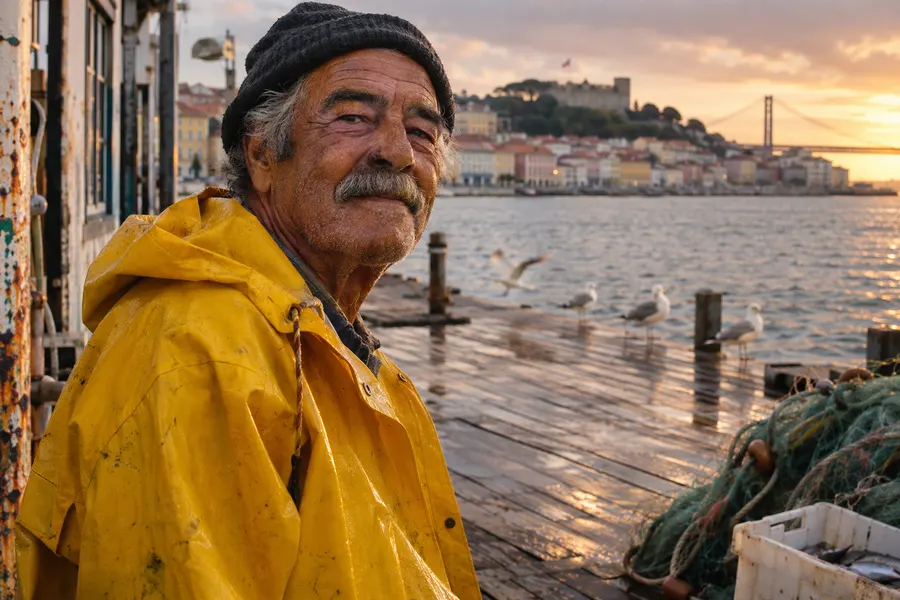
A candid 50mm street portrait of an elderly fisherman in a bright yellow raincoat on a wooden pier in Lisbon at golden hour, wet planks, seagulls softly out of focus behind him, natural weathered skin texture, shallow depth of field, true-to-life color.
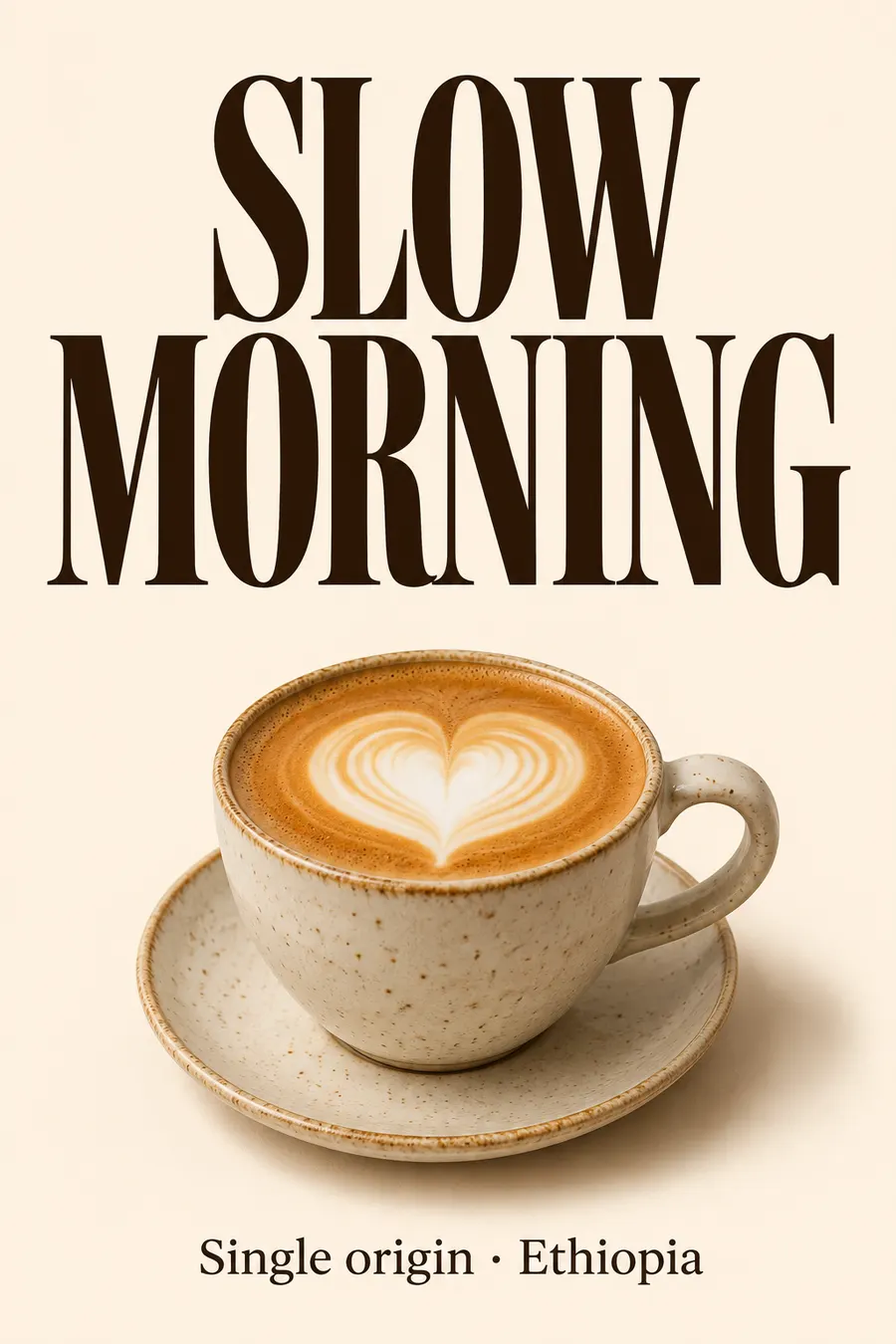
生成画面で使うA minimalist coffee shop poster. Large bold condensed serif headline that reads "SLOW MORNING". Below it a ceramic cup of latte with heart latte art on a warm cream background. A small caption at the bottom reads "Single origin · Ethiopia". Clean editorial layout, crisp typography.
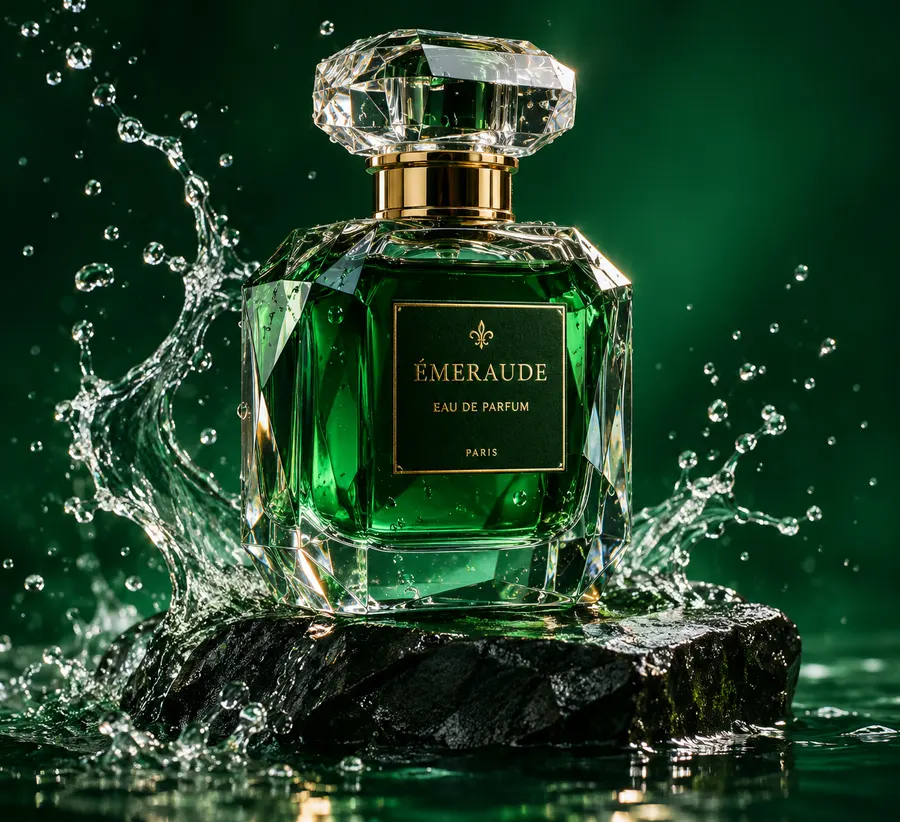
生成画面で使うLuxury advertising product photo of a faceted glass perfume bottle standing on a wet black stone, water splashes frozen mid-air around it, soft rim light, deep emerald green background, high-end studio photography, razor-sharp detail.
生成画面で使う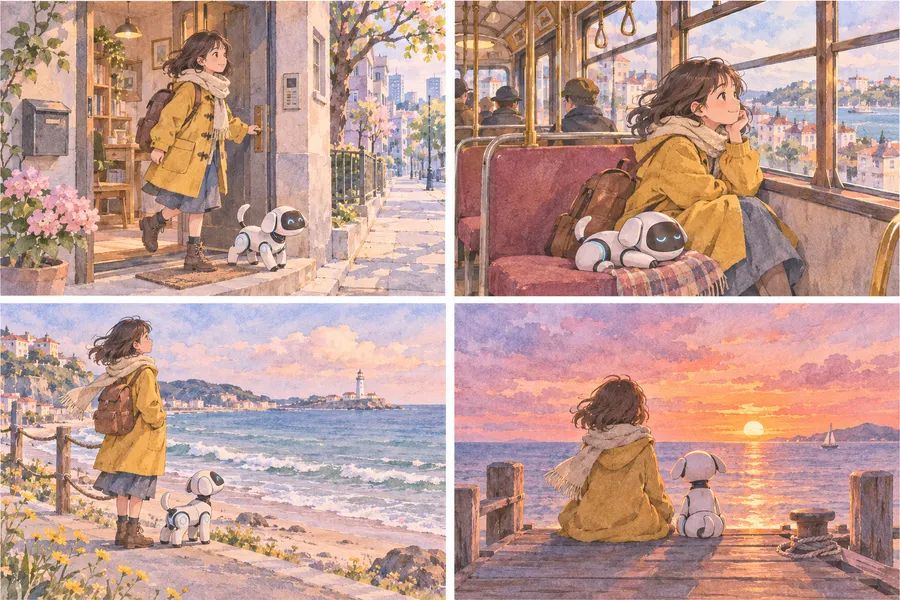
A four-panel storyboard in a 2x2 grid, soft watercolor style: a girl in a yellow coat and her small white robot dog leave a city apartment, ride a tram, reach the seaside, and watch the sunset on a pier. Same characters, clothes and palette in every panel.
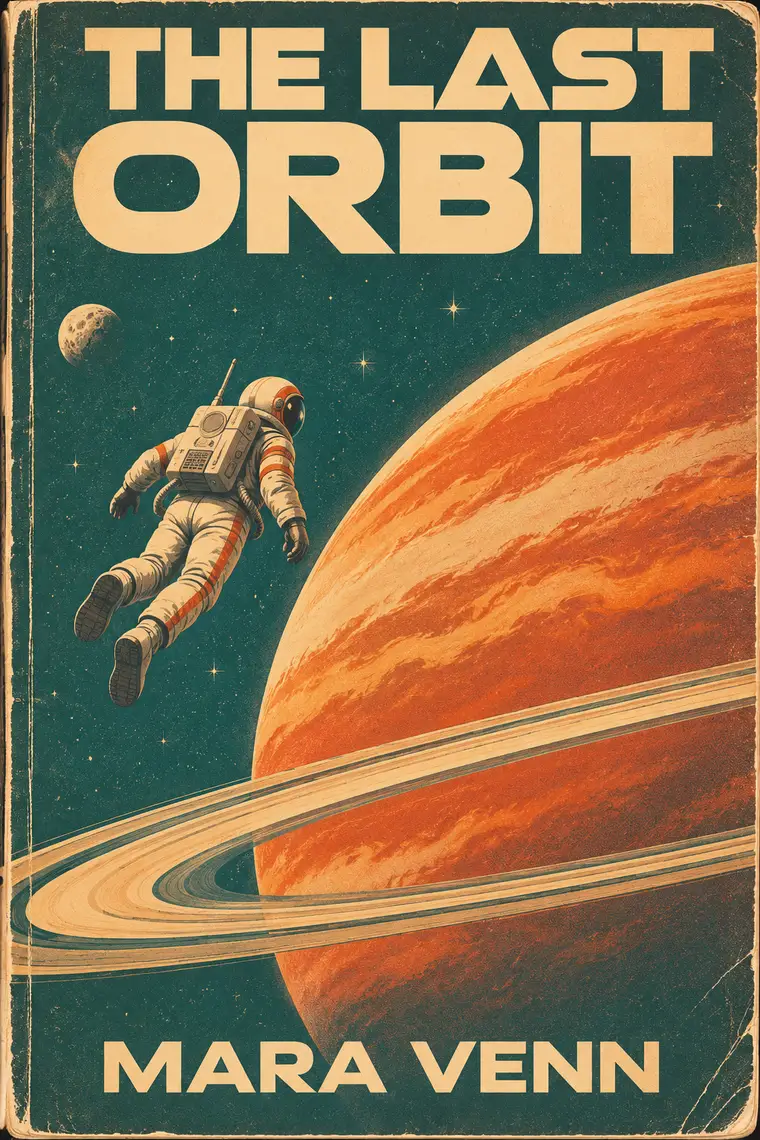
生成画面で使うA retro science-fiction paperback cover. Title reads "THE LAST ORBIT" in bold geometric letters at the top, author line reads "MARA VENN" at the bottom. A lone astronaut floating above a huge ringed planet, 1970s palette of burnt orange, teal and cream, subtle paper texture.
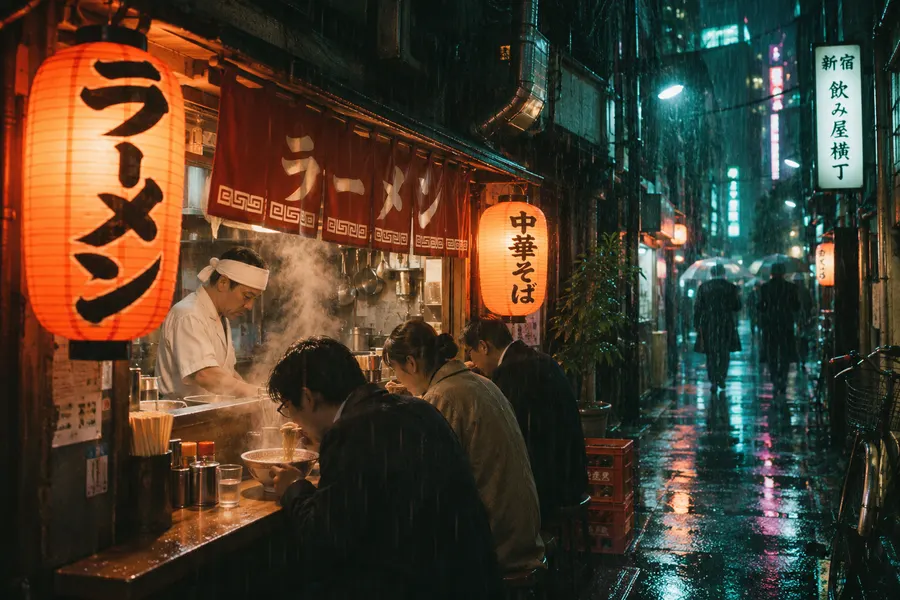
生成画面で使うA cinematic night photograph of a tiny ramen stall in a narrow Tokyo alley during rain, glowing paper lanterns, steam rising from bowls, reflections on wet asphalt, a cook in a white headband, 35mm film grain, teal and amber light.
生成画面で使う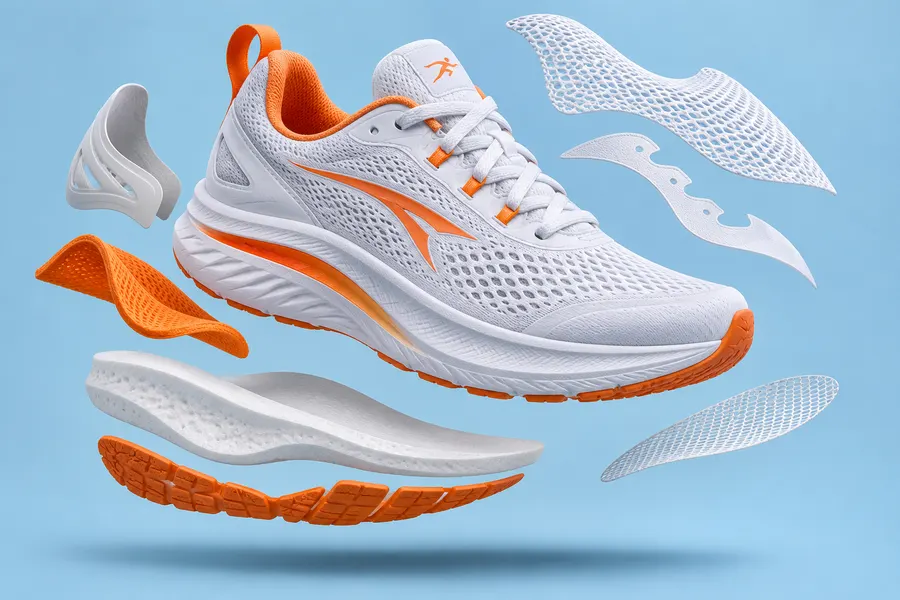
E-commerce hero image: a white running sneaker with orange accents floating above a pastel blue backdrop, foam and mesh pieces deconstructed and hovering around it, soft studio lighting, gentle shadow below.
生成画面で使う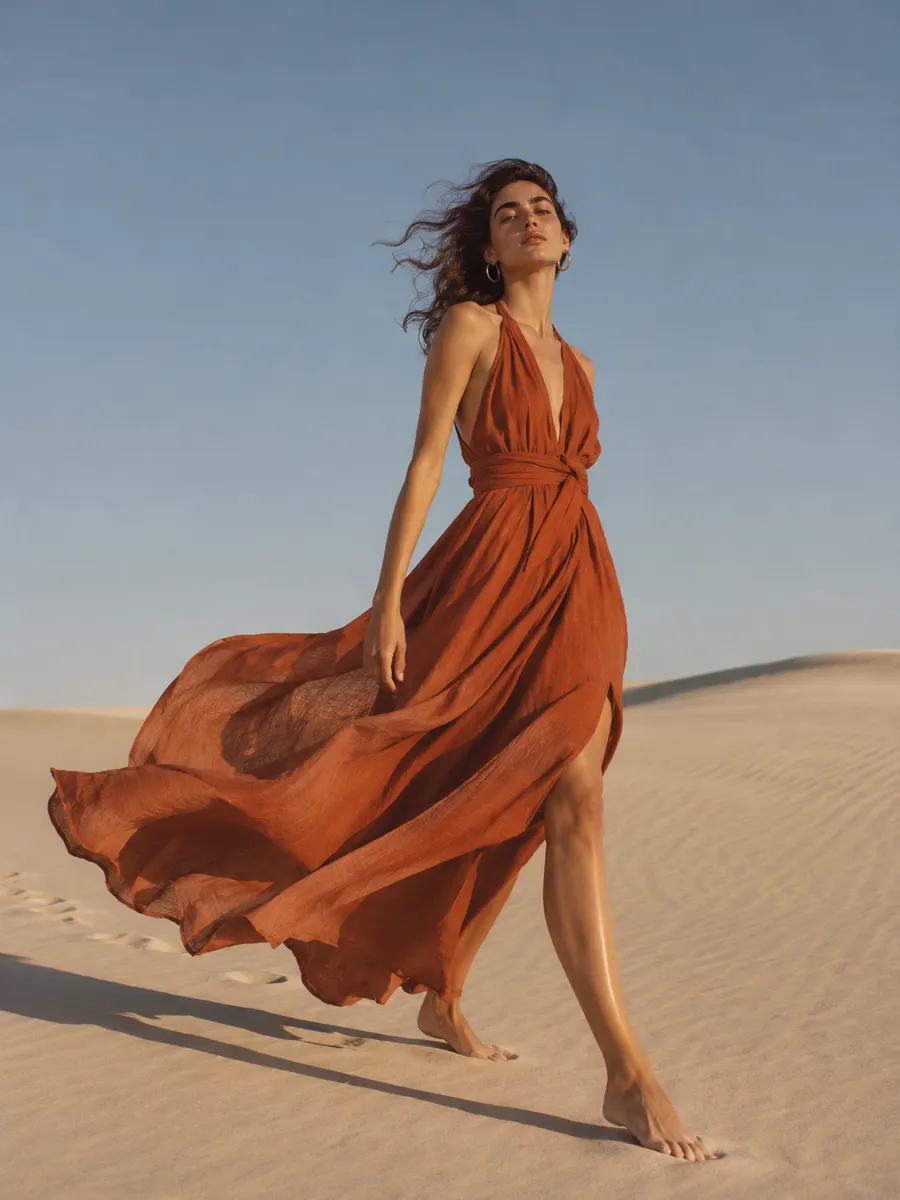
Fashion editorial photograph of a model in a flowing terracotta linen dress walking across pale sand dunes, long late-afternoon shadows, wind lifting the fabric, minimal composition with open sky, natural film color.
生成画面で使う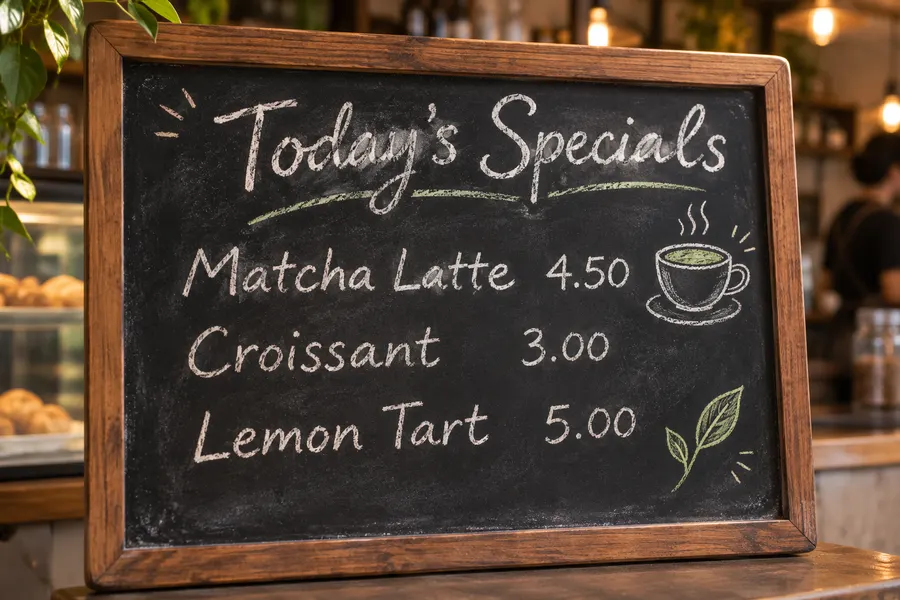
A café chalkboard menu in a wooden frame. Handwritten heading reads "Today's Specials". Three lines below read "Matcha Latte 4.50", "Croissant 3.00", "Lemon Tart 5.00". Small chalk doodles of a cup and a leaf, warm café background out of focus.
生成画面で使う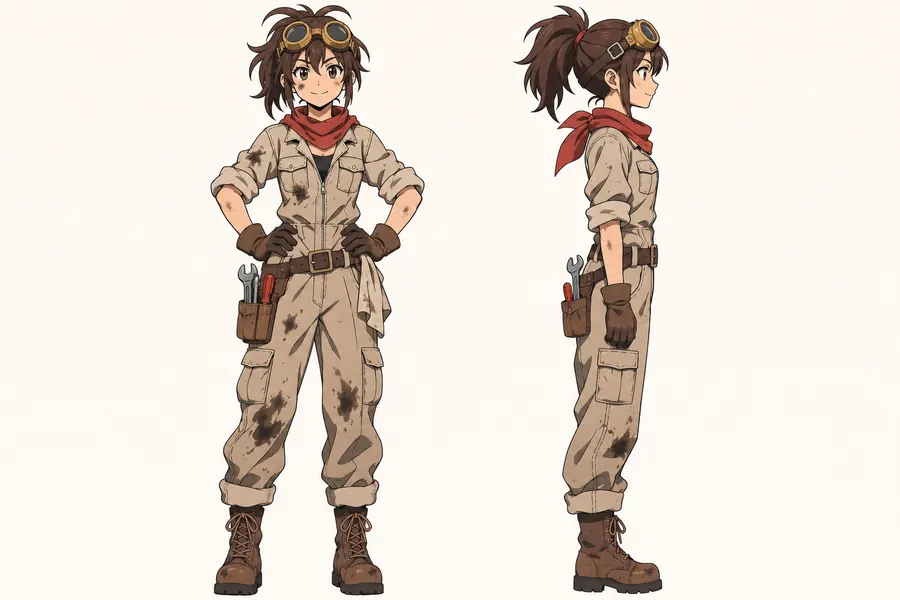
Anime-style character turnaround of a young mechanic girl with brass goggles on her forehead, a red scarf and an oil-stained jumpsuit, front view and side view side by side, clean line art, flat cel shading, plain off-white background.
生成画面で使う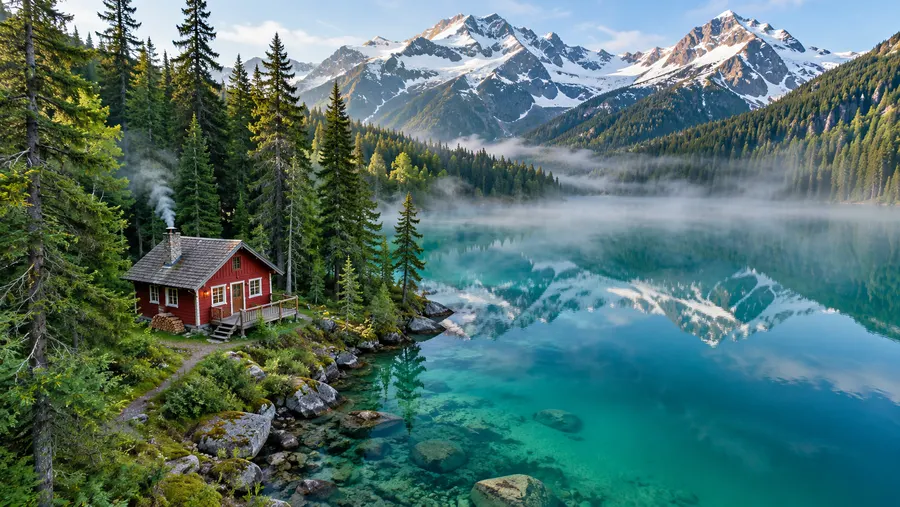
Aerial drone photograph of a small red wooden cabin beside a turquoise alpine lake, dense pine forest and snow-capped peaks, thin morning mist over the water, ultra-detailed natural textures.
生成画面で使う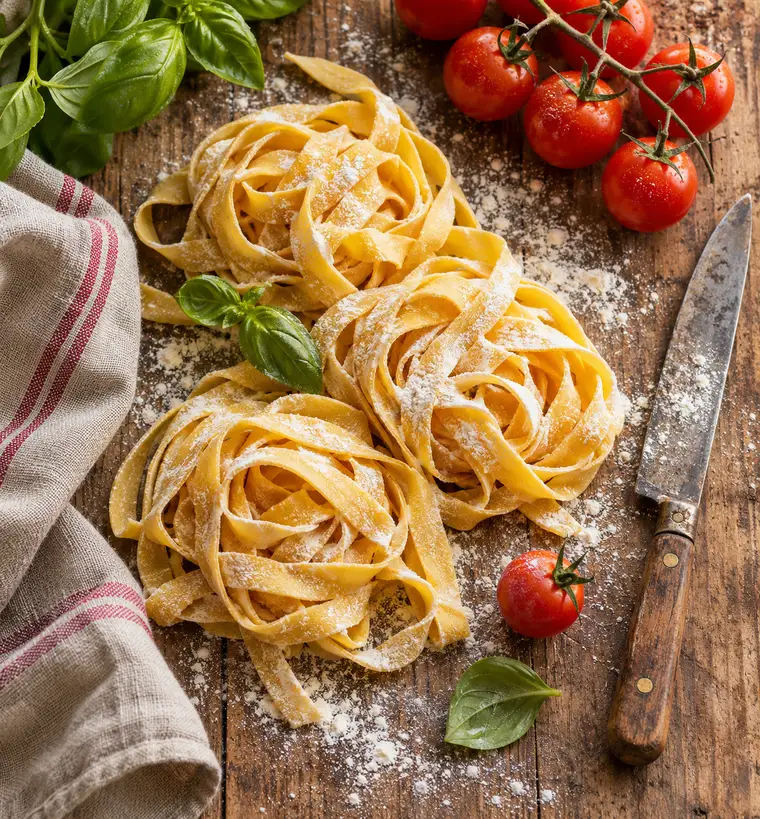
Overhead food photograph of a rustic wooden table with fresh handmade tagliatelle, basil leaves, cherry tomatoes on the vine and a dusting of flour, a linen napkin and an old knife, soft window light, warm tones.
生成画面で使うここでKling画像を作る理由
Klingの画像モデルを1つのブラウザタブで。Kling Image 4.0が目指す制作に取り組める環境です。
素早く試して、4Kで仕上げる
1Kでアイデアを試し、同じプロンプトをKling O3で2Kや4Kにして再生成。印刷、壁紙、広告素材まで、ページを移動せずに制作できます。
自分の写真を使って編集
商品写真、キャラクター、部屋を参照画像に追加すると、Kling O3がそれをもとに新しい画像を作ります。変えたくない部分を指定すれば、その要素を維持できます。
1つのプロンプトから4つの案
Kling V3は1回で最大4枚の画像を生成。最適な構図を選んだり、統一感のあるセットとして保存したりできます。
生成に失敗したらクレジット返還
生成に失敗すると、使用したクレジットは残高にそのまま戻ります。難しいプロンプトを試しても、生成が完了しなければクレジットはかかりません。
Kling AI画像生成の使い方
アイデアから画像のダウンロードまで、3ステップ。
- 1
画像を説明する
被写体、場所、光、カメラなど、1つの場面をわかりやすい文章で説明します。画像に入れたい文字は引用符で囲んでください。
- 2
Kling O3かKling V3を選ぶ
4Kの細部表現や参照画像の編集にはO3、複数の案が欲しいときはV3を選びます。次に縦横比とサイズを設定します。
- 3
生成してダウンロード
生成を実行し、履歴で結果を比較して、残したい画像をダウンロードします。
Kling AI画像で作れるもの
Klingの画像モデルは、リアリティ、明瞭な文字、統一感を重視する制作に向いています。
商品写真・広告素材
素材の質感をリアルに表したスタジオ写真や、参照画像の編集で商品写真を新しい背景に配置する制作に。
ポスター・表紙・メニュー
引用符で指定した短い見出しを使って、イベントポスター、本の表紙、カフェのメニュー、SNS用画像を制作。
絵コンテ・キャラクター設定画
コマごとに同じキャラクター、服装、配色を保ちながら、動画、漫画、キャンペーンを企画できます。
ファッション・ライフスタイル写真
自然な肌や布地、光を表現した雑誌風の写真。ルックブック、イメージボード、SNS投稿に使えます。
Kling画像プロンプトのコツ
Klingの画像モデルには、写真を撮るように具体的に伝えるのが効果的です。次の工夫で、狙いに近い画像を作りやすくなります。
最初に画像の種類を伝える
「50mmのストリートポートレート」「ミニマルなポスター」「4コマの絵コンテ」のように、表現形式から書き始めます。
光とレンズを指定する
ゴールデンアワー、窓からの光、ネオン。35mmや85mmのレンズ、浅い被写界深度。こうした言葉は、形容詞よりもリアリティに影響します。
入れたい文字をすべて引用符で囲む
見出し、ラベル、価格は引用符で囲み、配置場所も指定します。短い行ほど安定して描画されます。
同じ細部を繰り返してシリーズを統一
統一感のある画像を作るには、すべてのプロンプトで同じキャラクターの説明、服装、配色を使うか、最初の画像を参照画像に追加します。
編集では完成形を説明する
完成画像に何を写し、何を変えずに残すかを書きます。例:瓶を夕暮れのビーチに置き、ラベルはそのまま維持する。
Kling Image 4.0 よくある質問
Kling Image 4.0と、当サイトでのKling AI画像制作に関する回答です。